How Students Can Spot Phishing Scams in Academic Emails
May 19, 2026, 7 min read
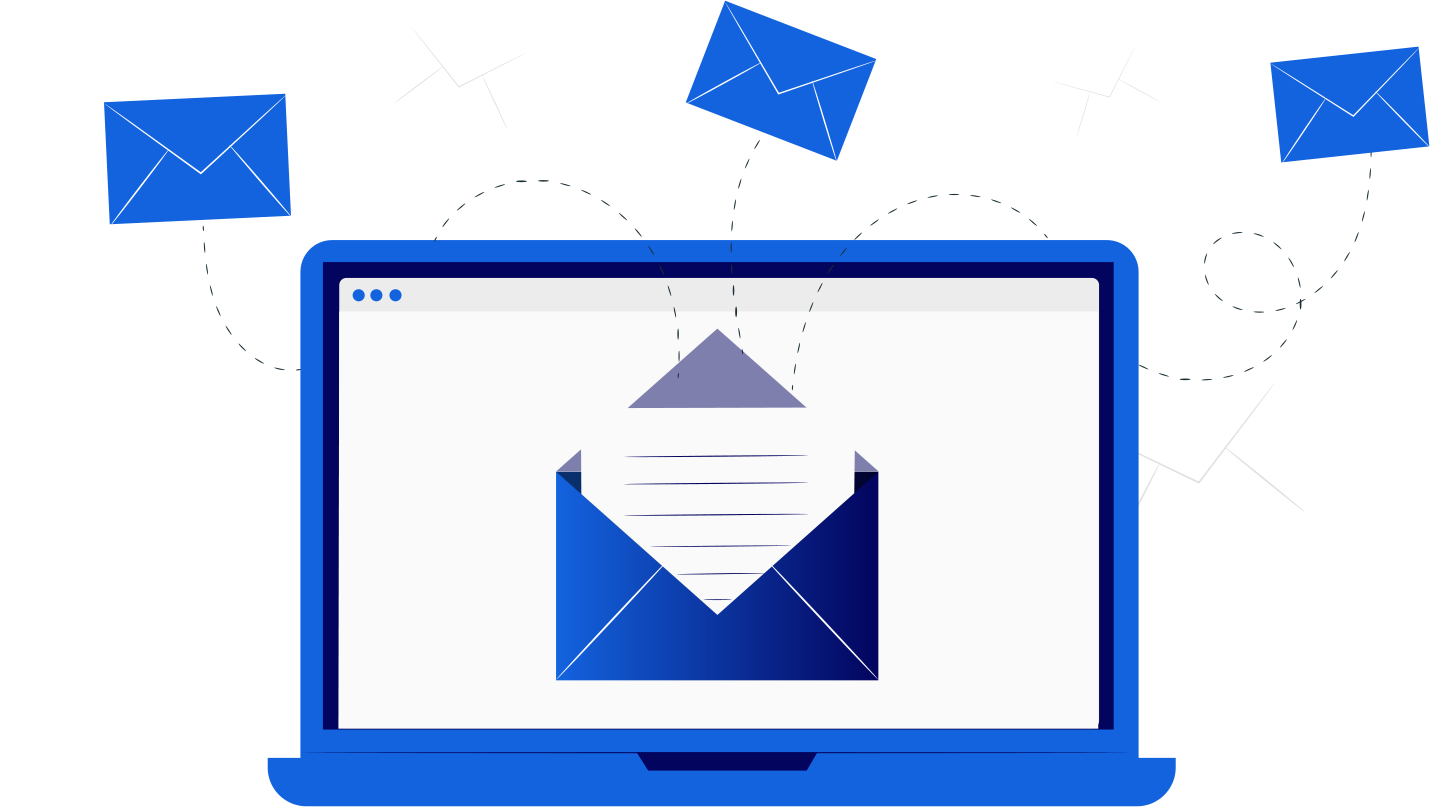
Students receive a lot of emails every week. Some are useful, some are boring, and some look important until you read them twice. A message from a professor, library, finance office, or student portal can easily blend into daily academic life.
That is why phishing scams in academic emails are so dangerous. They often look normal at first. A fake email may mention grades, tuition, scholarships, password updates, or missed deadlines. When students are tired or rushing between classes, one careless click can cause real problems.
Phishing is not only about stealing passwords. It can lead to identity theft, lost files, hacked accounts, financial fraud, or malware on a laptop. The good news is simple. Students can learn to notice warning signs before damage happens.
Why Students Are Targeted by Phishing Scams
College and university accounts are valuable. They often connect to email, cloud storage, learning platforms, library databases, payment systems, and personal records. If a scammer gets one login, they may reach several services.
Student inboxes also move fast. During exam weeks, students expect urgent messages. They may receive updates about registration, grades, housing, grants, internships, or campus jobs. Scammers use that busy rhythm to make fake emails feel believable.
Another reason is trust. Students usually trust messages that include a university logo or formal tone. Yet logos are easy to copy. A professional-looking email can still be a trap.
Common Signs of a Phishing Email
A scam email often gives itself away through small details. You do not need to be a cybersecurity expert to notice them. You only need to slow down for a moment.
Before clicking anything, check for these warning signs:
- Urgent messages about account closure, blocked access, or missed payment
- Strange sender addresses that do not match the official university domain
- Greetings like “dear user” instead of your name
- Spelling mistakes, odd grammar, or messy formatting
- Links that do not lead to the real student portal
- Attachments you did not expect to receive
- Requests for passwords, verification codes, card details, or ID documents
- Offers that sound too generous, such as fake grants or job payments
- Pressure to act “immediately” without giving clear contact details
One strange detail may not prove the message is fake. Several red flags together should make you careful. A real academic office will not punish you for checking first.
In addition to phishing awareness, students also need to be careful with the digital tools they use for academic work. When submitting assignments, it is important to verify originality and avoid unreliable services that may compromise data or provide inaccurate results. A helpful step is using a SafeAssign check, which helps identify whether a text is written by a human or generated with AI before final submission to ensure the work meets academic standards. Building this habit supports both security and academic integrity.
Check the Sender Carefully
The sender name can be misleading. A message may say “University IT Support,” but the real email address may be completely different. Always open the sender details before trusting the message.
Look closely at the domain after the @ symbol. Official university emails usually come from a clear campus address. Scammers may use public email services or copy the name with one small change.
For example, one letter may be missing. A word may be replaced with a similar-looking version. These tricks are easy to miss when you read quickly.
Be Careful With Familiar Names
Sometimes phishing emails appear to come from a professor, classmate, or university worker. Their account may have been hacked. The name looks familiar, but the request feels unusual.
If a professor suddenly sends a strange link or asks for private information, do not reply with sensitive details. Contact them through a known address or ask after class. A quick check can prevent a serious mistake.
Inspect Links Before You Click
Many phishing scams depend on fake links. The email may ask you to confirm your account, view grades, accept a refund, or update payment details. The link then opens a fake login page.
On a computer, hover over the link before clicking. On a phone, press and hold the link to preview the address. If the web address looks strange, do not open it.
A button can also hide a dangerous link. The text may say “student portal,” while the real address goes somewhere else. Shortened links are another warning sign, especially in formal university emails.
Use this simple routine when an email asks you to log in:
- Open your browser yourself.
- Type the official university website address.
- Log in through the normal student portal.
- Check whether the same notice appears inside your account.
- Contact campus IT if the message still feels suspicious.
This method takes a little more time. Still, it is safer than trusting a link from an unexpected email. Good digital habits protect your academic work.
Watch Out for Fake Login Pages
A fake login page can look very real. It may copy university colors, logos, buttons, and wording. Some pages even imitate Microsoft 365, Google Workspace, or Moodle.
The web address is the key detail. If the page is not on the official domain, leave it. Do not enter your password just because the design looks familiar.
Also pay attention to unusual requests. A student portal should not ask for your banking password. A library login should not request your passport scan. When the request feels too personal, stop.
Be Careful With Attachments
Attachments can be risky, especially when they arrive without context. A file may look like a timetable, invoice, scholarship form, or grade report. It may still contain malware.
Be extra careful with ZIP files, unknown document formats, and files that ask you to enable macros. These are common ways to infect a device. Real university offices rarely need students to change security settings.
Shared cloud files also deserve attention. A fake document may ask you to sign in again. Before entering anything, check the web address and sender.
Notice Emotional Pressure
Phishing scams often work because they create emotion. They make students feel afraid, excited, confused, or rushed. That emotional push is part of the trick.
A fake message may claim your account will close today. Another may promise a scholarship refund. Some scams offer easy remote jobs with high pay. Others mention exam results or disciplinary warnings.
Common emotional traps include:
- Fear of losing access to grades, email, or financial aid
- Excitement about refunds, prizes, scholarships, or paid research tasks
- Pressure from fake deadlines and serious warnings
- Curiosity about private files, photos, or exam updates
- Confusion caused by formal language and official-looking forms
When an email tries to rush you, pause. Real university departments usually give clear steps and proper contact information. They do not need students to panic.
Protect Passwords and Verification Codes
No trusted academic office should ask for your password by email. The same rule applies to multi-factor authentication codes. These codes are private and should never be shared.
Scammers may first steal your password through a fake page. Then they may ask for the code sent to your phone. If you share it, they can enter your account.
Use a strong password for your university login. Do not reuse the same password for shopping, social media, or gaming accounts. A password manager can help you stay organized without memorizing everything.
Multi-factor authentication is useful, but it still needs attention. Never approve a login request unless you started it yourself.
What Students Should Do After Receiving a Suspicious Email
A suspicious email does not mean you are in trouble. The important thing is how you respond. Do not click first and think later.
If a message feels unsafe, follow these steps:
- Stop and read the email again slowly.
- Do not click links or download attachments.
- Save a screenshot if your university needs proof.
- Report the email to campus IT or the security team.
- Delete the message after reporting it.
- Change your password if you already entered login details.
Reporting helps other students too. If one person reports a scam early, the university can warn the whole campus. That small action can protect many accounts.
Build Safer Email Habits
Email safety becomes easier when it turns into a routine. You do not need to feel paranoid. You just need a few steady habits.
Keep official university pages bookmarked. Update your browser, phone, and laptop regularly. Use antivirus protection if your school provides it. Avoid logging in through links sent in unexpected messages.
It also helps to separate personal and academic accounts. Your student email should not be used for every random website. Fewer unnecessary sign-ups mean fewer risky messages.
Ask Before You Act
Students sometimes stay silent because they feel embarrassed. That is a mistake. Everyone can be fooled by a well-made phishing email.
If you are unsure, ask campus IT, a lecturer, or an advisor. You can also compare the message with notices inside the official portal. A few minutes of checking is better than days of fixing damage.
Why Phishing Awareness Matters for Academic Success
A hacked university account can interrupt more than email. It can block access to course materials, assignments, research files, and class updates. During exams, stress can become a serious problem.
Phishing can also affect classmates. Once scammers control one student account, they may send fake messages to others. Because the message comes from a real student inbox, it may look trustworthy.
Strong email awareness supports better study habits. Students who protect their accounts protect their work, privacy, and peace of mind. These digital safety skills also matter after graduation.
Final Thoughts
Students can spot phishing scams in academic emails by paying attention to small details. Sender addresses, strange links, urgent wording, and unexpected attachments all matter.
The safest response is simple. Pause before clicking, verify through official channels, and report anything suspicious. A real university message can wait a few extra minutes.
Phishing scams will keep changing, but careful habits remain powerful. When students learn to question suspicious emails, they protect their studies, identity, money, and academic future.